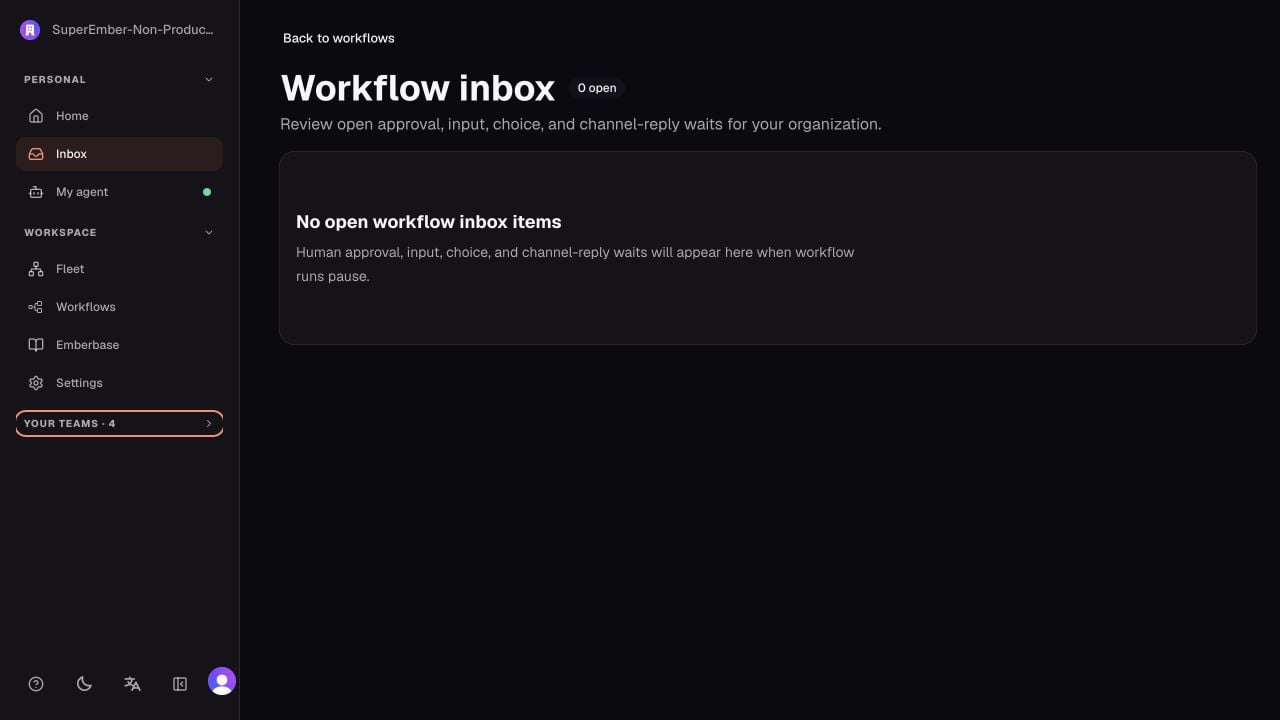
Review surface map
Automatic review
Automatic review can approve, deny, or escalate an exact action. A denial causes no external change. An escalation parks the call for a human instead of guessing. See Automatic review and escalations.Personal Agent approvals
Personal Agent approvals are owner-scoped. Other members and Team Agents cannot approve actions for your private agent. To decide:- Open My agent.
- Expand the approval’s review details.
- Check the connector, action, target account, and arguments.
- Choose Approve to allow that action once, or Reject.
Delegated escalations
Delegated work uses the target team’s Main operation thread so the responsible team sees the action and its context. The original conversation receives a waiting receipt and later updates to the final decision. Approve only the displayed action. The source agent’s request is context, not blanket authorization for the delegated agent.Workflow inbox
The workflow inbox collects durable waits that require a person:
To resolve an item:
- Open Workflows → Inbox.
- Review the workflow, run, node, request, and expiration.
- Make the requested decision or provide the input.
- Open the linked run and confirm that the same run resumed.