Do this
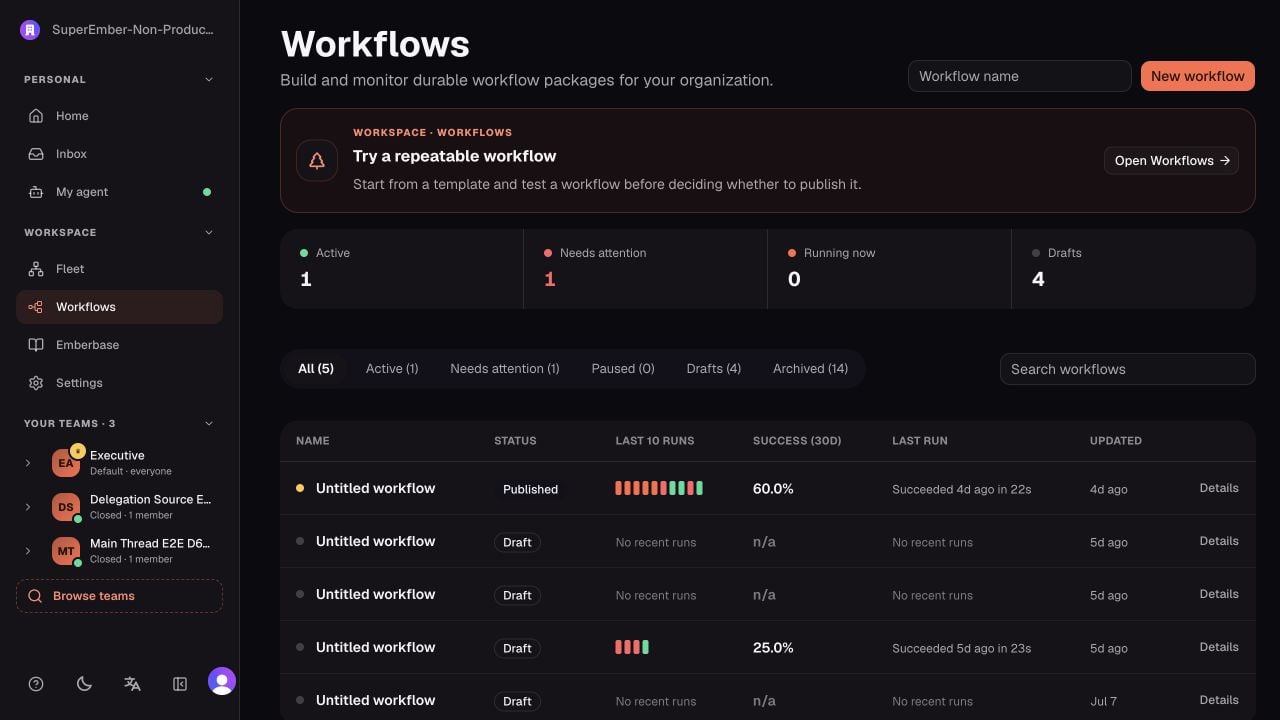
Choose Show me in the mission banner. The walkthrough asks you to name a real recurring outcome and then highlights the button that opens the resulting draft in Workflow Studio.- Open Workflows.
- Start from a template or create a small draft.
- Define the trigger, one useful action, and the expected output.
- Add a human approval only where the process genuinely needs a decision.
- Run a test before publishing.
- Open the run and inspect its timeline, inputs, outputs, waits, and errors.
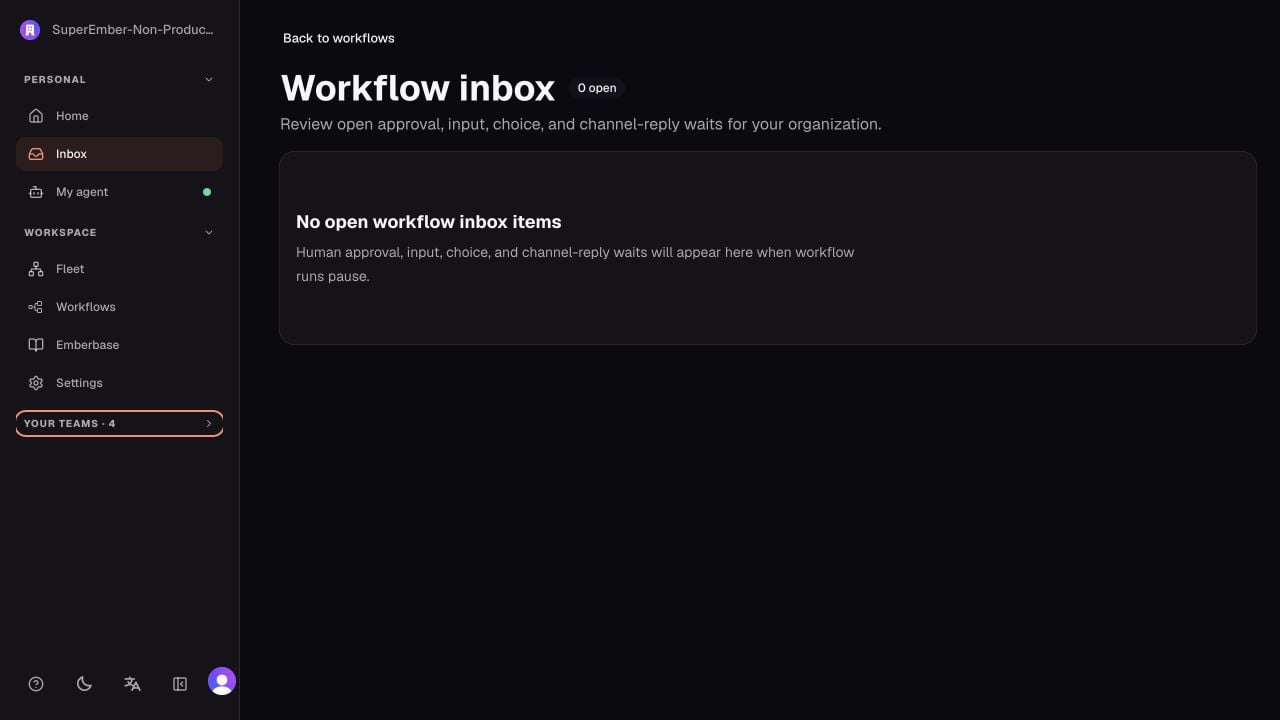
- If it pauses, resolve the item from Inbox and confirm the same run continues.
Direct delegation or workflow?
Approval types you may see
- Human approval: approve or reject an exact workflow step.
- Human input: provide missing information.
- Human choice: select one of the configured options.
- Channel reply: answer from Slack or another supported channel.