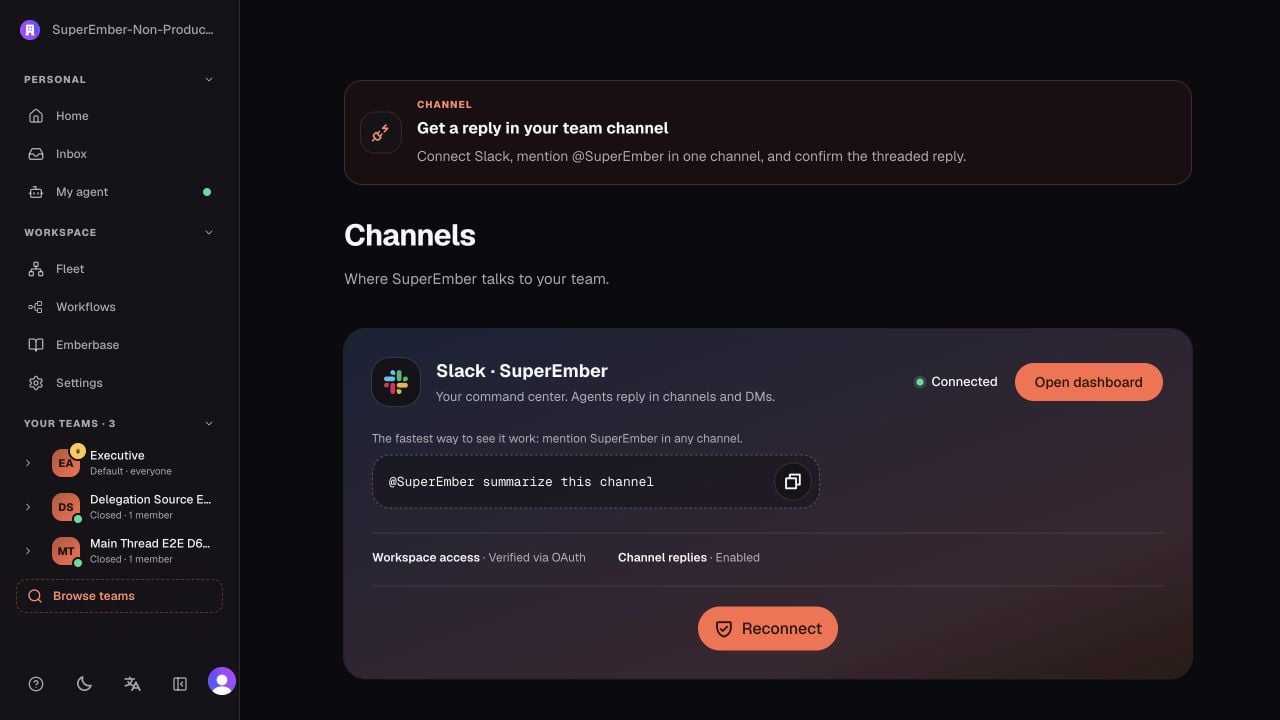
Do this
Open this mission from Help & onboarding and choose Show me. The walkthrough highlights the real Slack authorization control—or, if Slack is already connected, the starter prompt to copy and try.- Open Connect from the onboarding mission.
- Choose Slack and authorize the intended workspace.
- Add SuperEmber to a channel where the first task already has useful context.
- Mention
@SuperEmberwith one narrow request. - Confirm the reply appears in the same thread.
Understand routing
SuperEmber resolves the channel binding before starting work:- A channel assigned to a Team Agent routes work into that team boundary.
- An unassigned company channel can use the Company AI fallback.
- Direct messages can route to your Personal Agent when the workspace supports that path.
- Team membership and agent-access rules still apply; assigning a channel does not bypass them.