Do this
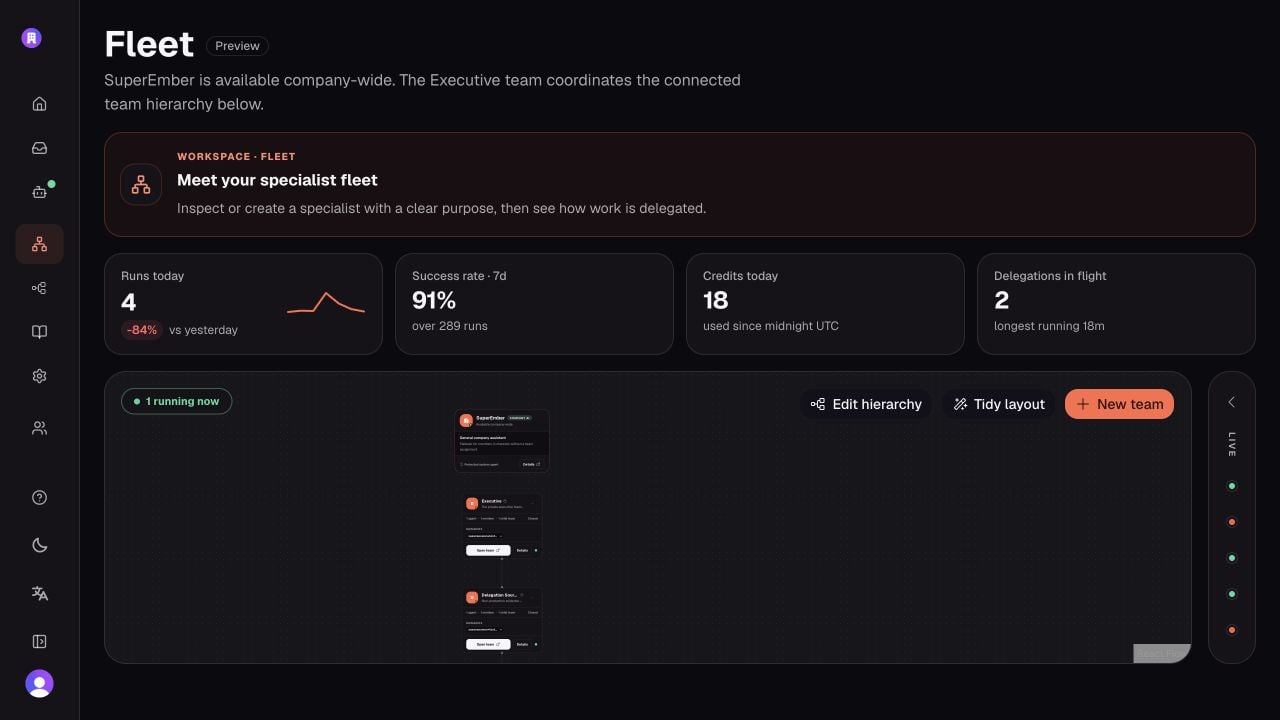
Choose Show me in the mission banner. On the organization canvas, the walkthrough first opens a staffed team. It then waits for you to select a real agent node and moves with you into that agent’s inspector.- Open Fleet.
- Find a Team Agent and expand its team group.
- Inspect at least one workforce agent beneath it.
- Confirm the specialist has a clear name, title, and purpose.
- Check Reports to and Direct reports in the configuration panel.
- Confirm the specialist is active before asking the Team Agent to delegate to it.