Do this
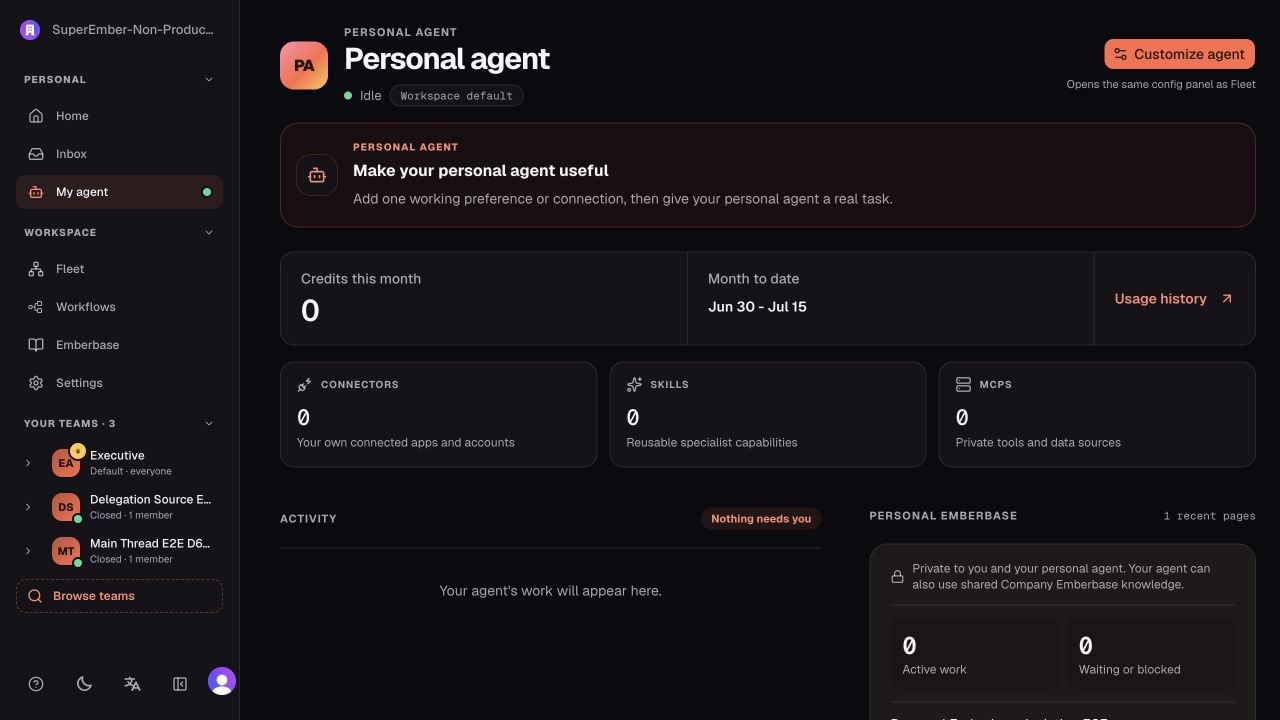
Choose Show me in the mission banner. The walkthrough opens the real configuration panel, highlights the purpose field, and waits for you to leave the field so the automatic save can run.- Open My agent.
- Choose Customize agent.
- Add one useful preference, responsibility, or working boundary.
- Connect one personal account only if the agent needs it for your work.
- Give the agent a real task that uses the new context.
Know what is private
Handle an approval
When an approval appears:- Open the review details.
- Confirm the exact tool, target, arguments, and expected effect.
- Choose Approve only for the displayed action. Approval is not a blanket permission for later calls.
- Choose Reject when the action, account, target, or timing is wrong.